Add: Wanda Plaza, Fuqiao Street, Rencheng District, Jining City, Shandong Province, China
+86-18206519878


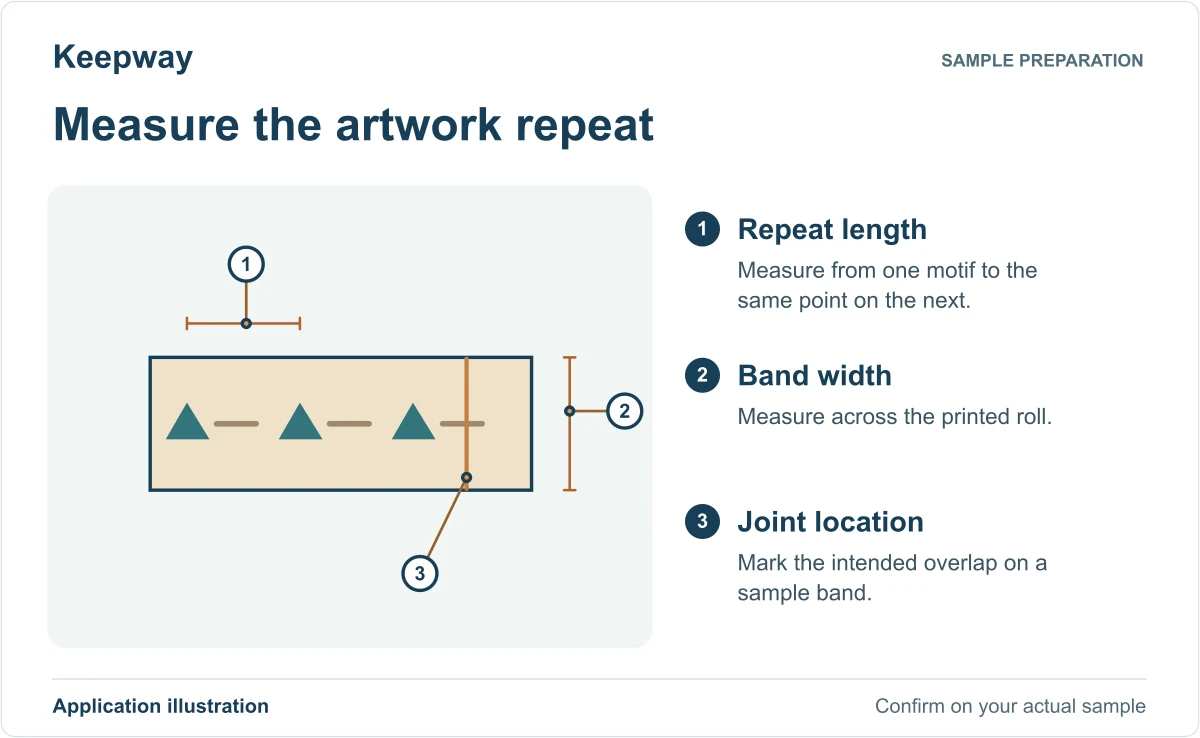
Trial both artwork versions on the smallest and largest cartons that share a roll width. Identify the roll, mark where the printed design and overlap should land and retain one approved pack for each version. Confirm who checks the first pack after a roll change.
Give the supplier the smallest and largest cartons that use the same printed band. Mark the retail barcode and the clear space it needs on each carton. Band both with production artwork, then scan the finished packs as a cashier would. If a band edge or overlap covers the code, mark an alternative position on a sample. Keep the approved carton and band artwork together before ordering printed rolls.
KPW-SDJ150 · PAPER AND OPP BANDING
For paper stacks, small cartons and retail bundles, start with the finished pack: its width and height at the band position, the appearance you need and the handling it must withstand. The KPW-SDJ150 listing covers paper or OPP banding; confirm the actual band roll and machine configuration together.
Send a bundle photo for selection Compare paper banding and PP strapping
Mark the visible front panel and intended joint location on the smallest and largest bundle. Wrap a paper mock-up around each before approving printed stock. Ask which positioning features the quoted setup includes.
After checking the artwork position, test the same bundle on the tabletop banding machine and inspect the corners after handling.
Email a flat band sample and mark which face of the finished pack should show the print to sales@kbwmachinery.com.
Automatic OPP/Paper Banding Machine
Introduction of Automatic OPP/Paper Banding Machine:
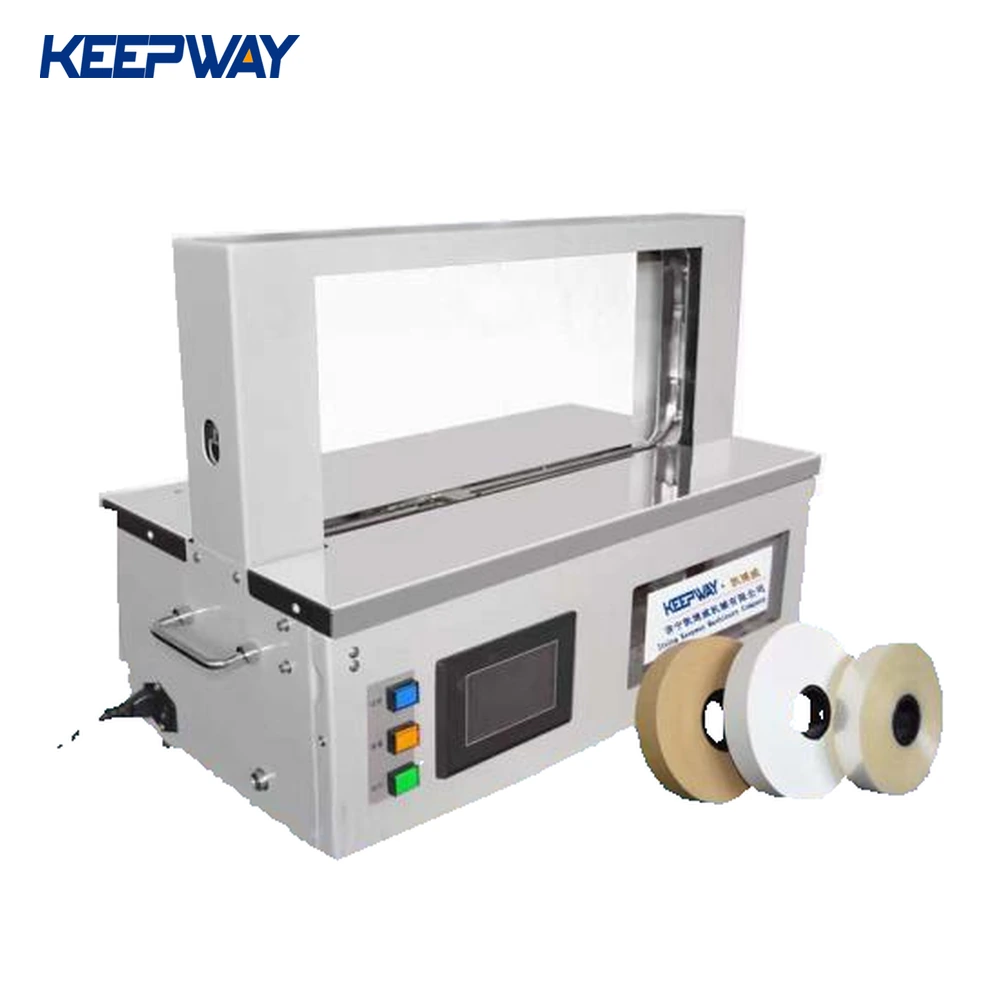
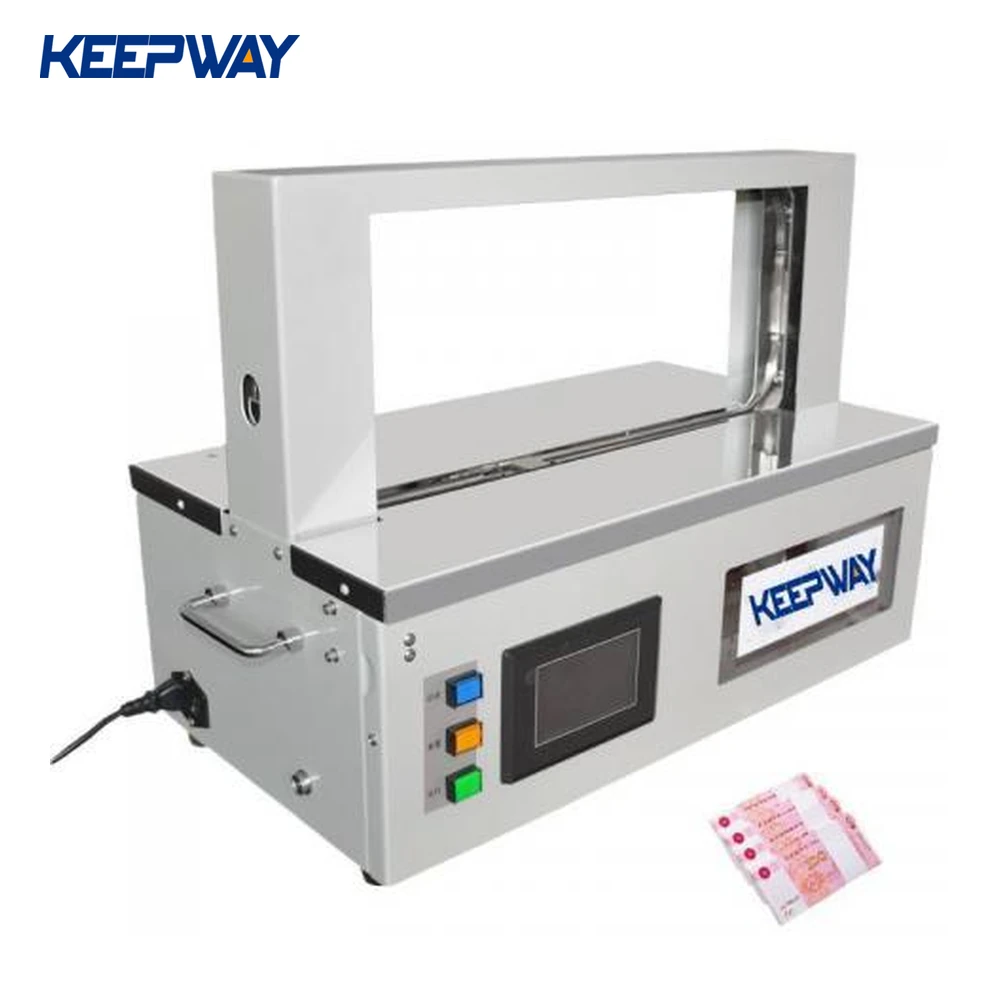
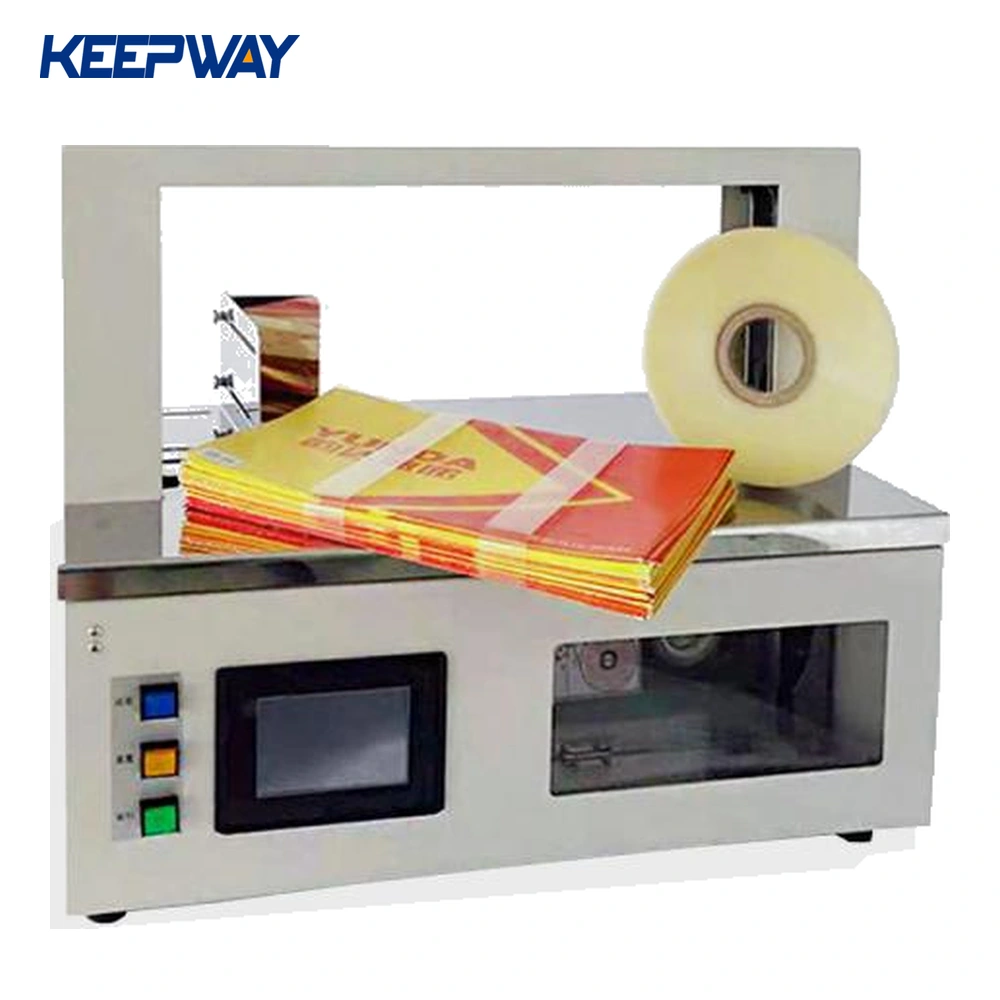
The KPW-SDJ150 listing covers paper or OPP banding for grouped paper products, small cartons and other light bundles. Confirm the actual product, material and sealing result with representative samples. Use machine-compatible banding material matched to the quoted width and reel specification.
The banding cycle and product handling are separate parts of the job. Define loading, alignment, starting, any second band and removal for the supplied configuration. Conveyor handling and unattended line integration require a separately confirmed equipment scope; they are not established by the standard machine listing.
For a new job or material change, use the setup and first-pack checklist alongside the correct model-specific instructions.
Technology Parameter of Automatic OPP/Paper Banding Machine:
KPW-SDJ150 paper / OPP banding machineBand materialPaper / OPPMaximum bundle size (W × H)470 × 205 mmMinimum bundle size (W × H)30 × 10 mmBand width20 / 30 mmAdjustable tension5–50 NBanding speedLess than 3 seconds per bundlePower80 WPower supplySingle phase, 110 / 220 V, 50 / 60 HzMachine weight35 kgMachine size (L × W × H)642 × 354 × 476 mmCustom band and arch configurations must be specified separately when requesting a quotation.
Features of Automatic OPP/Paper Banding Machine


On the green pack at lower left, the white band crosses the lower line of print.
Lay a strip the same width as your proposed band across your pack. Mark any words or barcodes that must stay visible. Photograph the front of your shortest and tallest bundles with the strip in place.
Include the band width and both views when you request a KPW-SDJ150 sample review.
Review my pack photos

Send the smallest and largest stack dimensions, surface finish and a picture of the intended band position. Review edge marking, stack movement and seal appearance on your actual paper stock before choosing settings.
Show how many cartons form one bundle and whether the band crosses a label or opening flap. Confirm the OPP roll specification and seal sample; transparent film appearance alone does not establish its suitability for the machine.
| Existing product specification | What to confirm for your order |
|---|---|
| Listed maximum banding section: 470 × 205 mm (W × H) | Orientation and clearance of the complete bundle at the band path |
| Listed minimum banding section: 30 × 10 mm (W × H) | How the smallest product is held in position during banding |
| Paper or OPP band; 20 or 30 mm width options shown | Select the width and roll specification for the quoted setup; do not assume widths interchange without adjustment or parts |
| Single-phase 110 V or 220 V; 50/60 Hz options listed | Destination, actual supply, plug arrangement and the ordered electrical configuration |
Specify machine-compatible banding material and its sealing construction. A roll with a similar width is not sufficient evidence of compatibility. Send the material specification or a sample if you already have a supplier.
Discuss product loading, alignment, triggering and removal separately from the banding cycle. Conveyor handling or line integration must be defined in the quoted scope; a tabletop machine photograph does not establish a complete unattended line.
Time a complete pack: position the bundle, apply the required number of bands and remove it. Include format changes and roll replacement in shift planning. Agree sample-pack acceptance before comparing machine-cycle figures.
Include bundle dimensions and weight, paper or film preference, band width, bands per bundle, target bundles per shift, photographs and destination power supply.
Request a KPW-SDJ150 configuration For a carton packing station, compare the semi-automatic PP strapping machine.
Two-year warranty, free replacement parts and shipping during the warranty period, and lifetime service and technical support.
For mixed stack heights or carton quantities, send one marked bundle photo for each size and the proposed artwork revision. Identify the front display panel, joint area and information that must remain visible.
Clarify the quotation: pre-printed rolls, precise artwork positioning and variable-data printing are separate requirements. The KPW-SDJ150 paper/OPP and 20/30 mm width listing does not establish an integrated printer or automatic print registration. Confirm the selected roll, setup and sample result before ordering printed stock.
Read the printed band artwork and mixed-size bundle checklist
Download the blank artwork brief · Discuss my bundle and print requirements
Mobile:+86-18206519878
Tel:+86-18206519878
Whatsapp:8618206519878
Email:sales@kbwmachinery.com
Add:Wanda Plaza, Fuqiao Street, Rencheng District, Jining City, Shandong Province, China