Add: Wanda Plaza, Fuqiao Street, Rencheng District, Jining City, Shandong Province, China
+86-18206519878
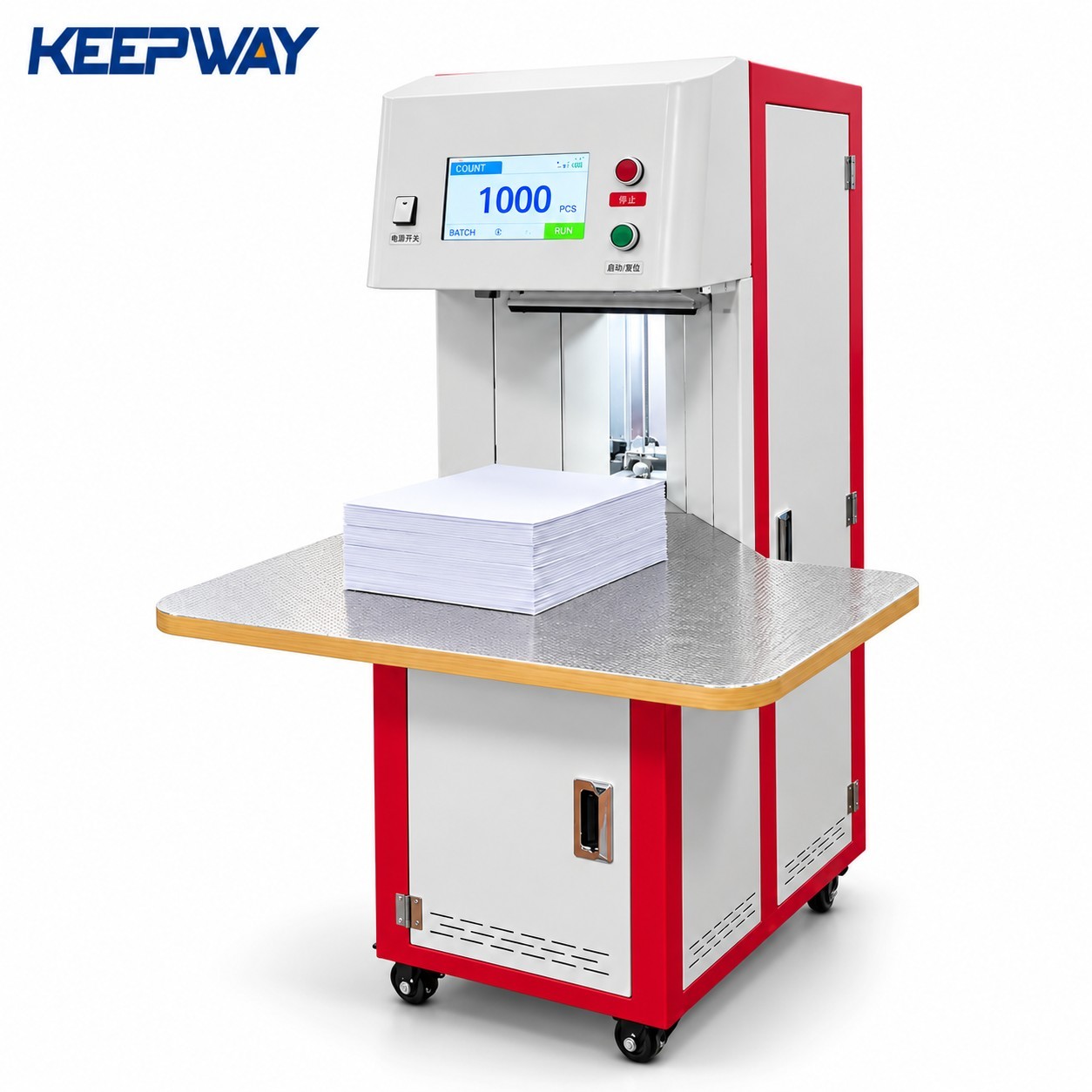
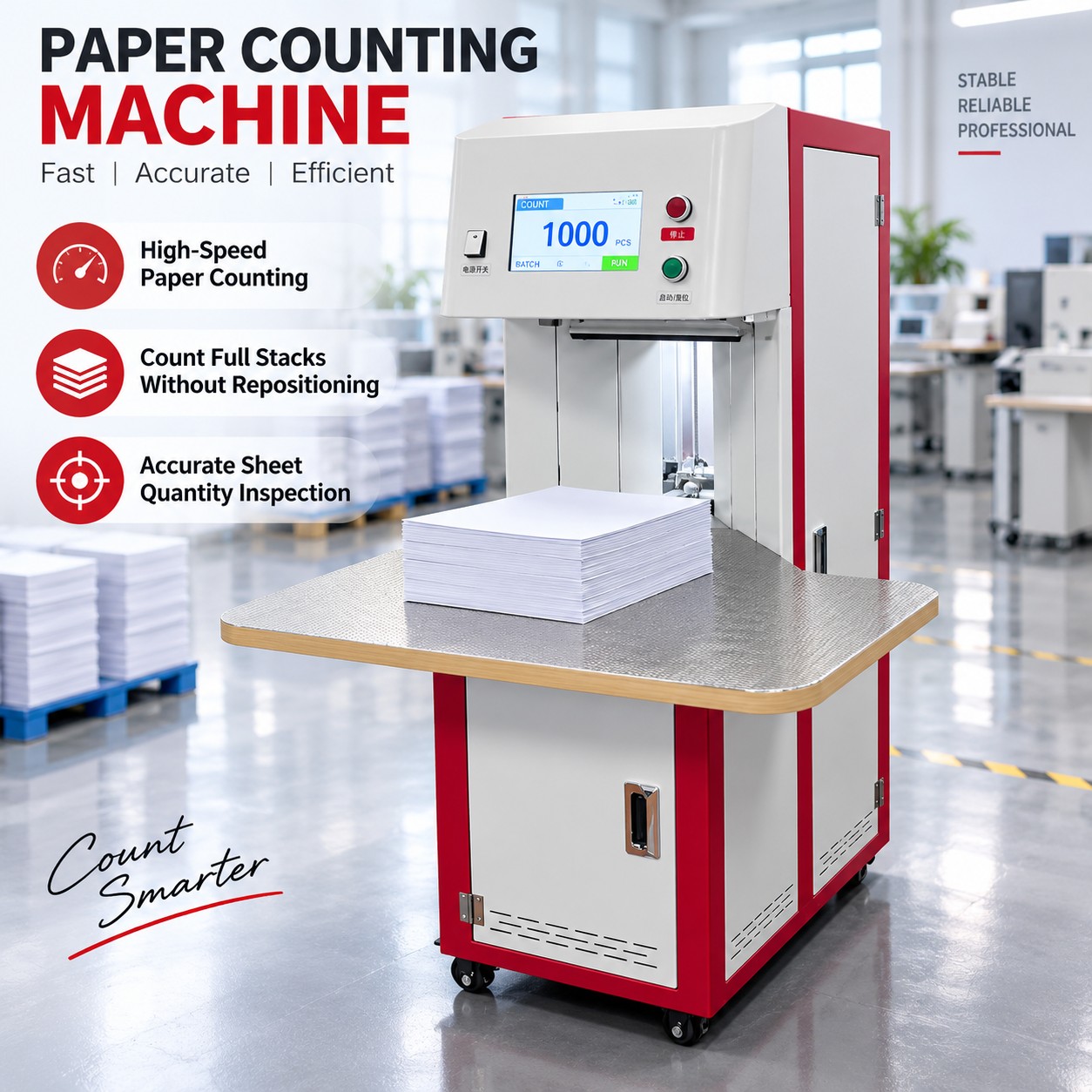
The KPW-500A paper counting machine counts stacked paper products for printing shops, stationery production and packing departments. Use it to check sheet quantities, count finished booklets or notebooks, and verify envelope batches before the next production or packing step. Touchscreen controls bring the current count, batch setting and total into one operating view.
Rated sheet counting speed is 300–1000 sheets/min. The specified paper-size range is 50 × 50 to 320 × 450 mm, with a 30–100 mm stack height. Finished-item suitability and practical output should be checked with your samples.
View specifications · Check applications · Request a sample check and quote
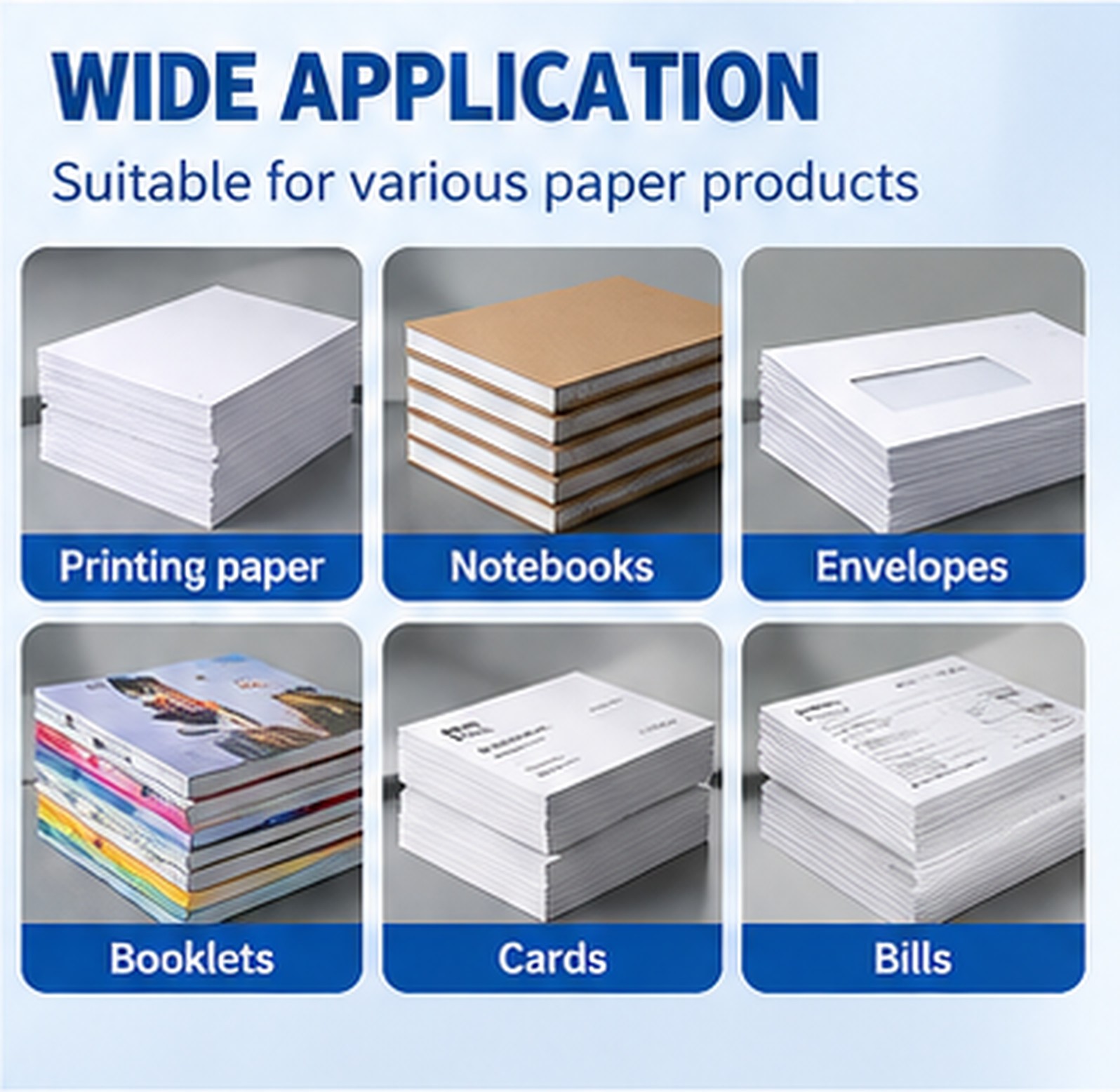
A paper sheet counting machine supports different quantity-control tasks. Choose the trial material to match the item you actually need to count:
The applications above are supported product uses. They do not establish a universal thickness, paper-weight or finished-item speed range. A notebook counting machine or envelope counting machine should be evaluated with representative samples before an order is finalized.
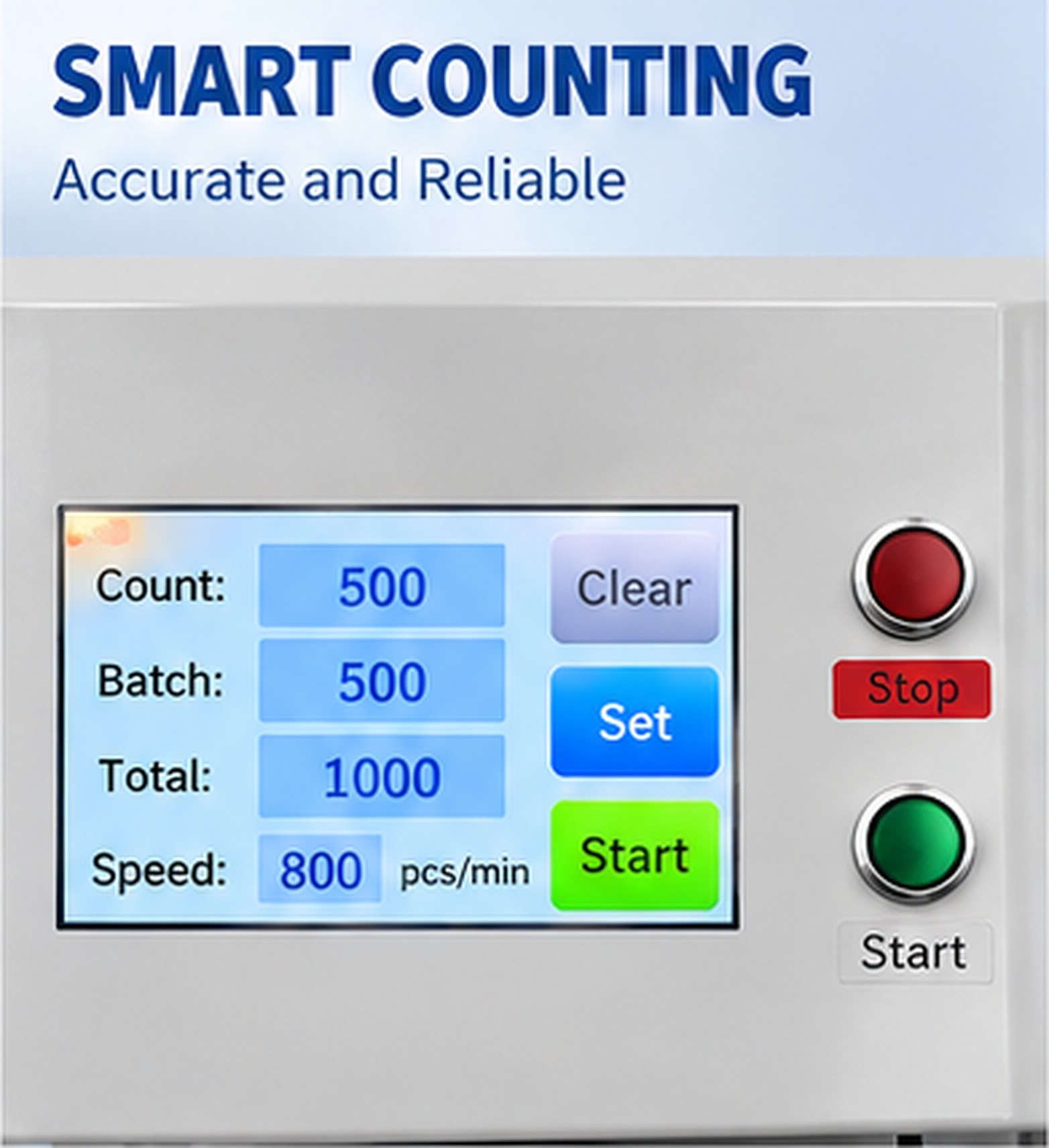
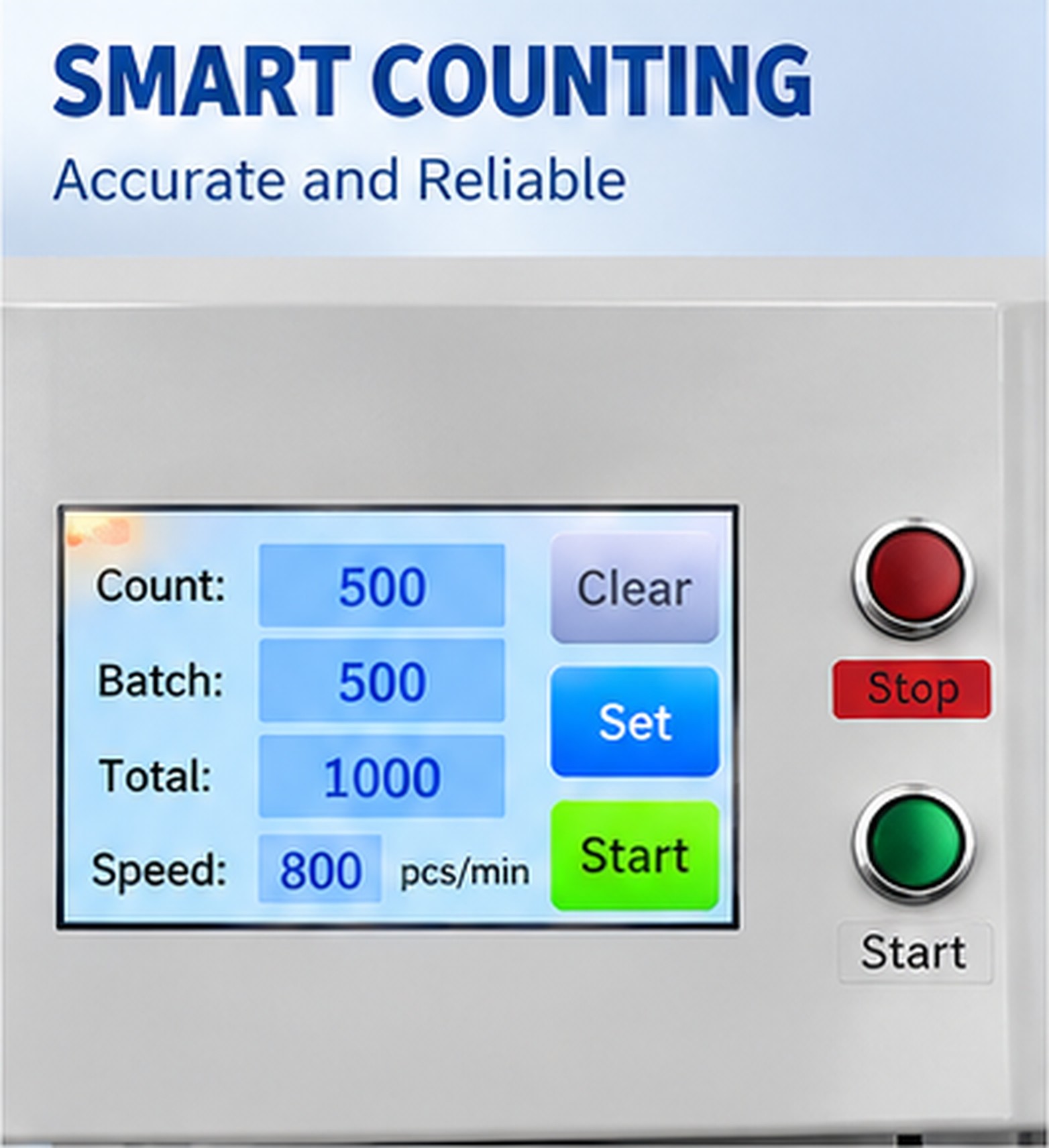
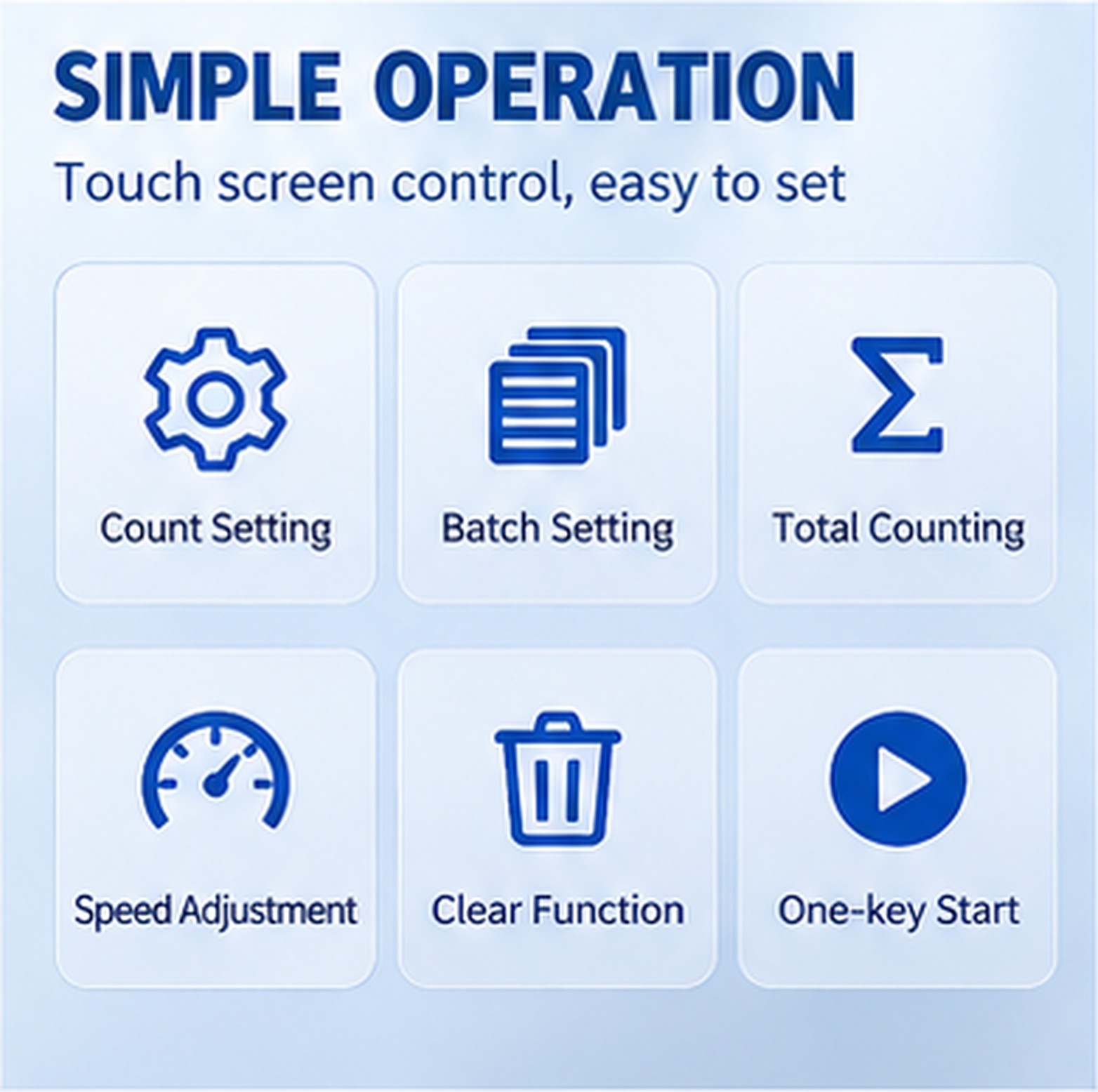
Set the required count or batch value, adjust the operating speed, and view the running total on the control panel. Clear and start controls are provided. A batch setting helps define the counting task; automatic physical separation or tab insertion is not specified for this configuration.
The control-panel photograph illustrates the display layout. Its example values are not a separate output guarantee. Agree on the acceptable count deviation and verify repeatability using a known-quantity sample.
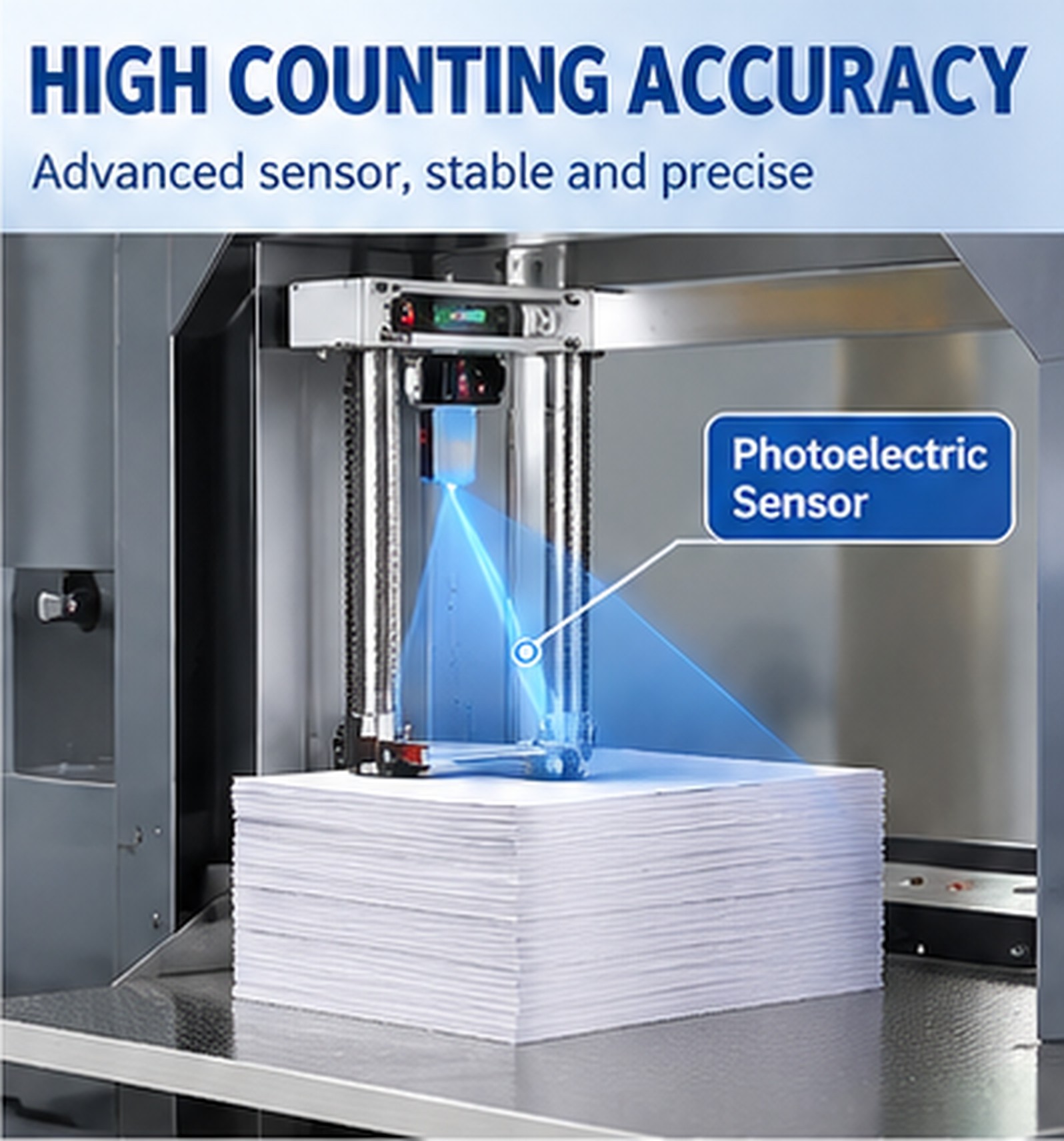
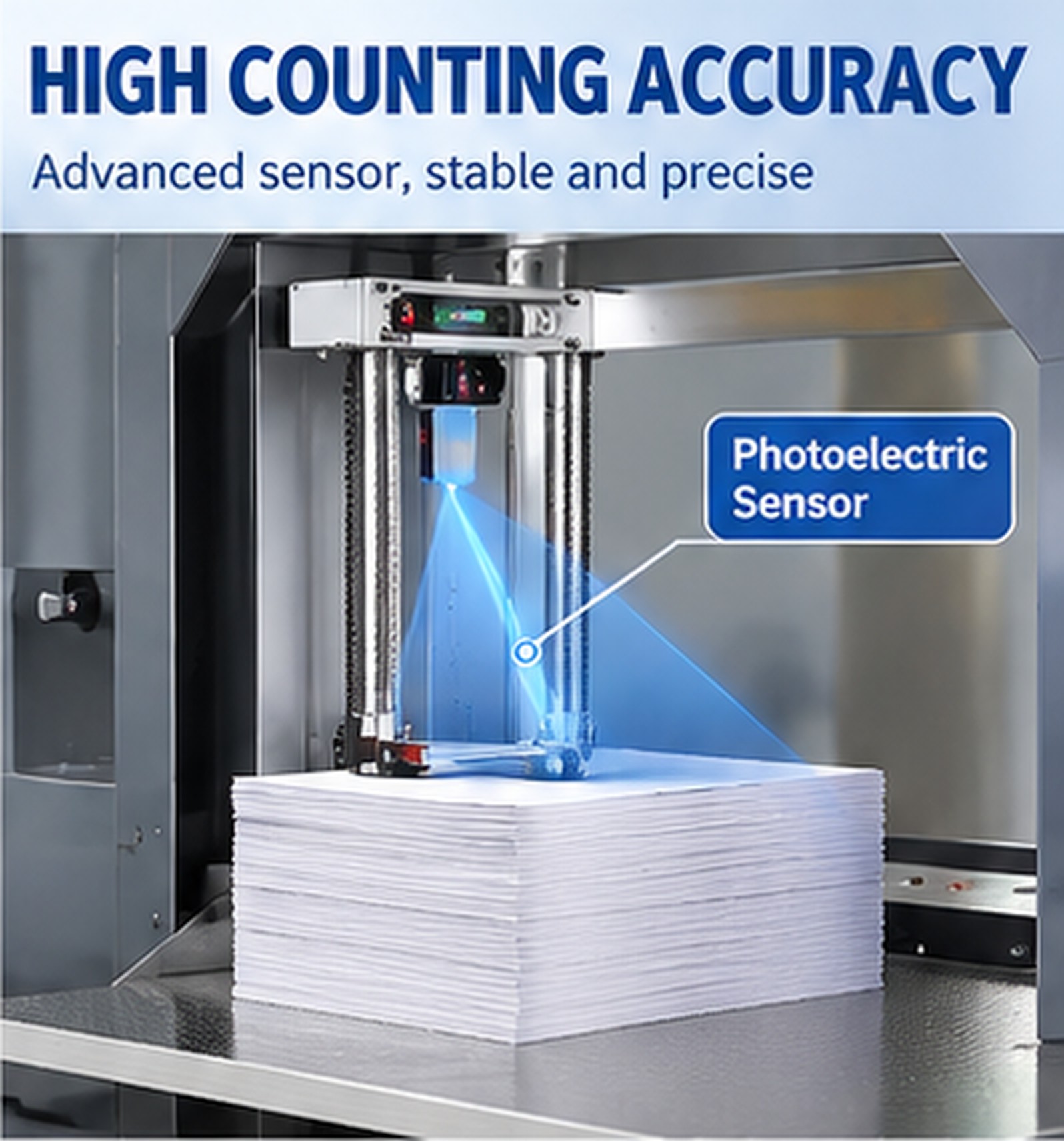
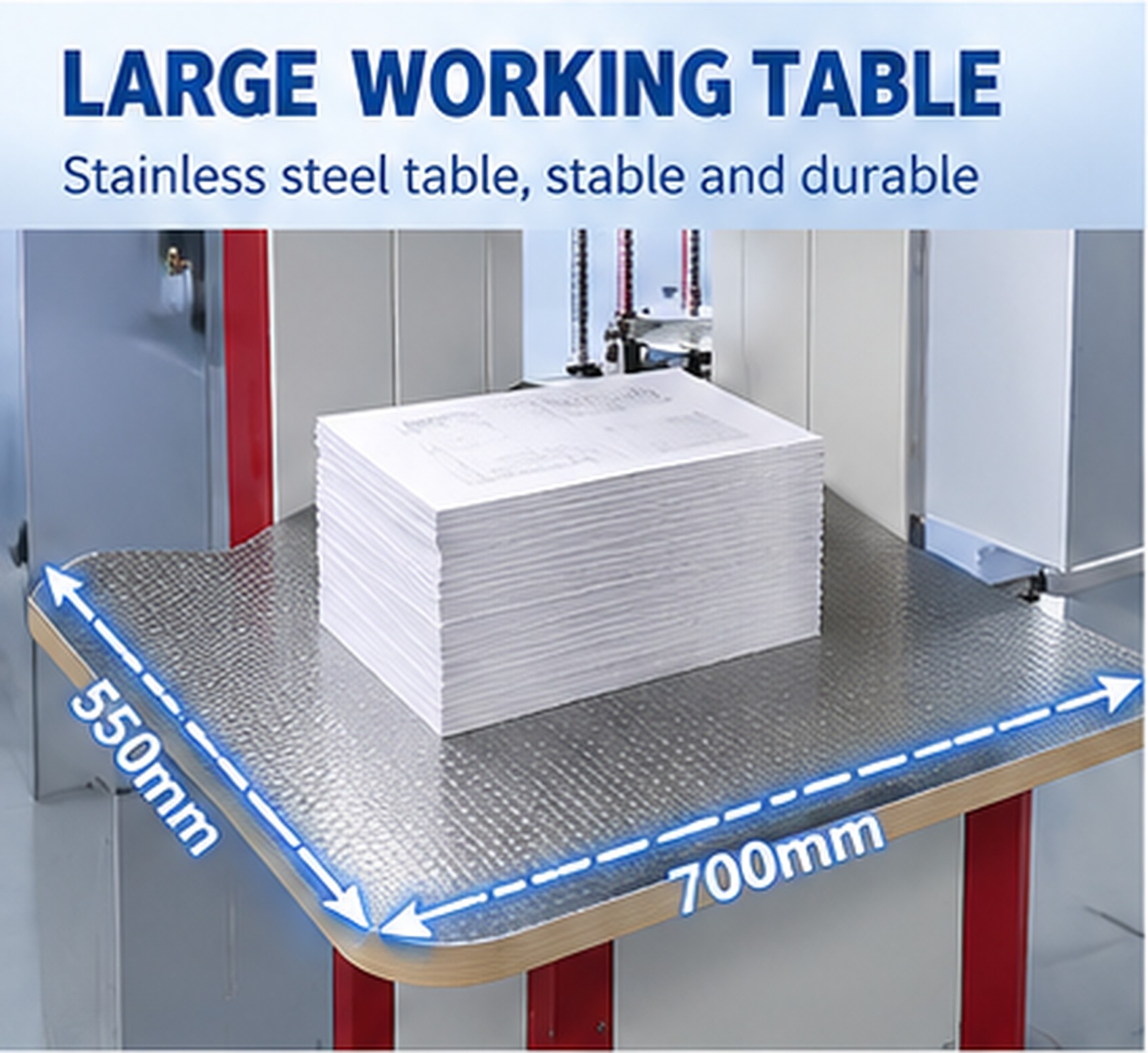
The supplied machine detail identifies a photoelectric sensor in the counting assembly. Place and align the paper stack on the 700 × 550 mm working table according to the operating procedure. Keep edges accessible and consistent for the trial, and check the result when changing material or stack condition.
For a paper stack counting machine, selection should consider the material surface, edges, stack alignment and item construction together with size. Provide your paper weight and thickness for assessment; material compatibility requires sample assessment; no universal gsm range is specified here.
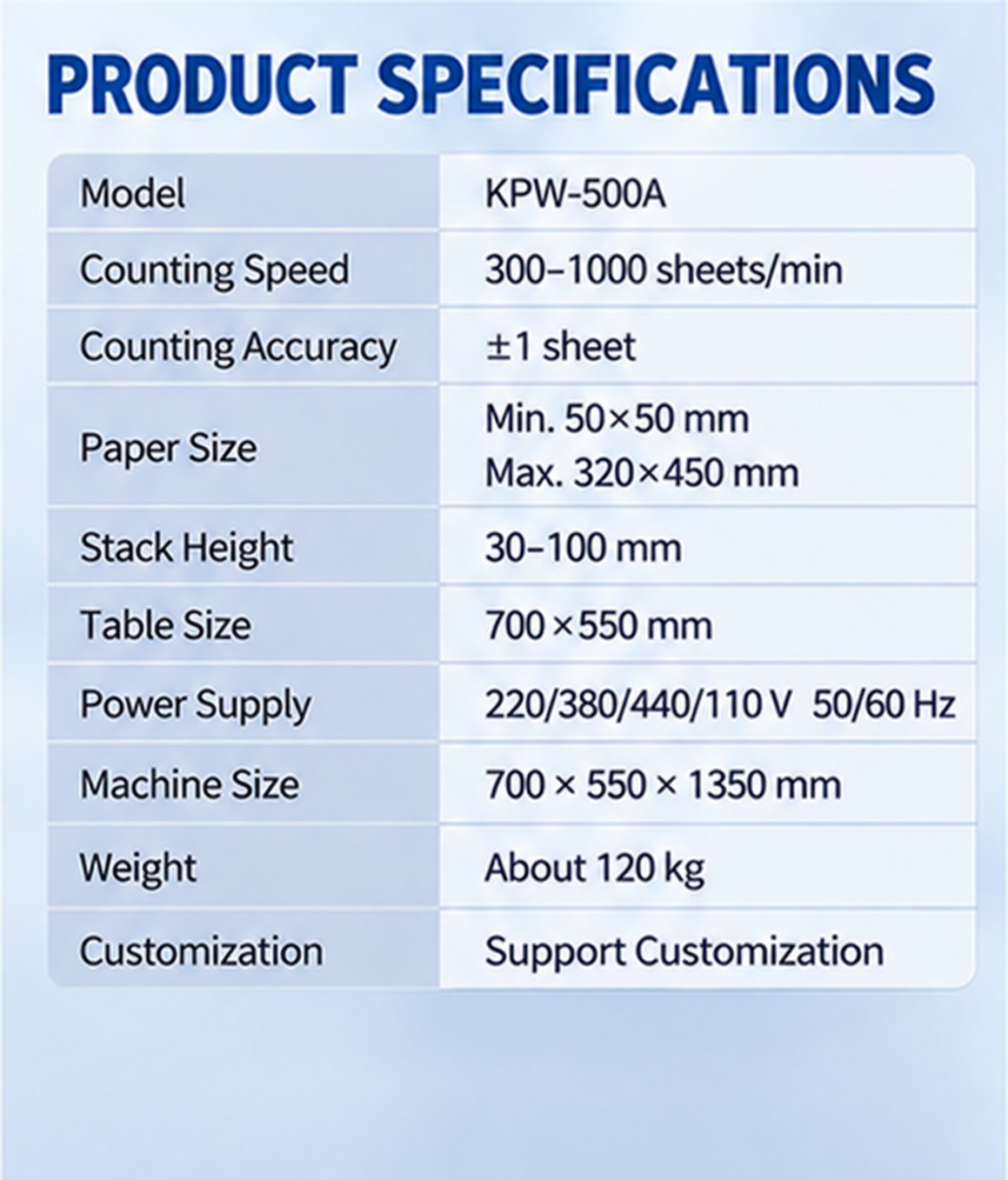
| Model | KPW-500A |
|---|---|
| Rated sheet counting speed | 300–1000 sheets/min |
| Specified counting accuracy | ±1 sheet; confirm the acceptance method with your sample |
| Paper size | Minimum 50 × 50 mm; maximum 320 × 450 mm |
| Stack height | 30–100 mm |
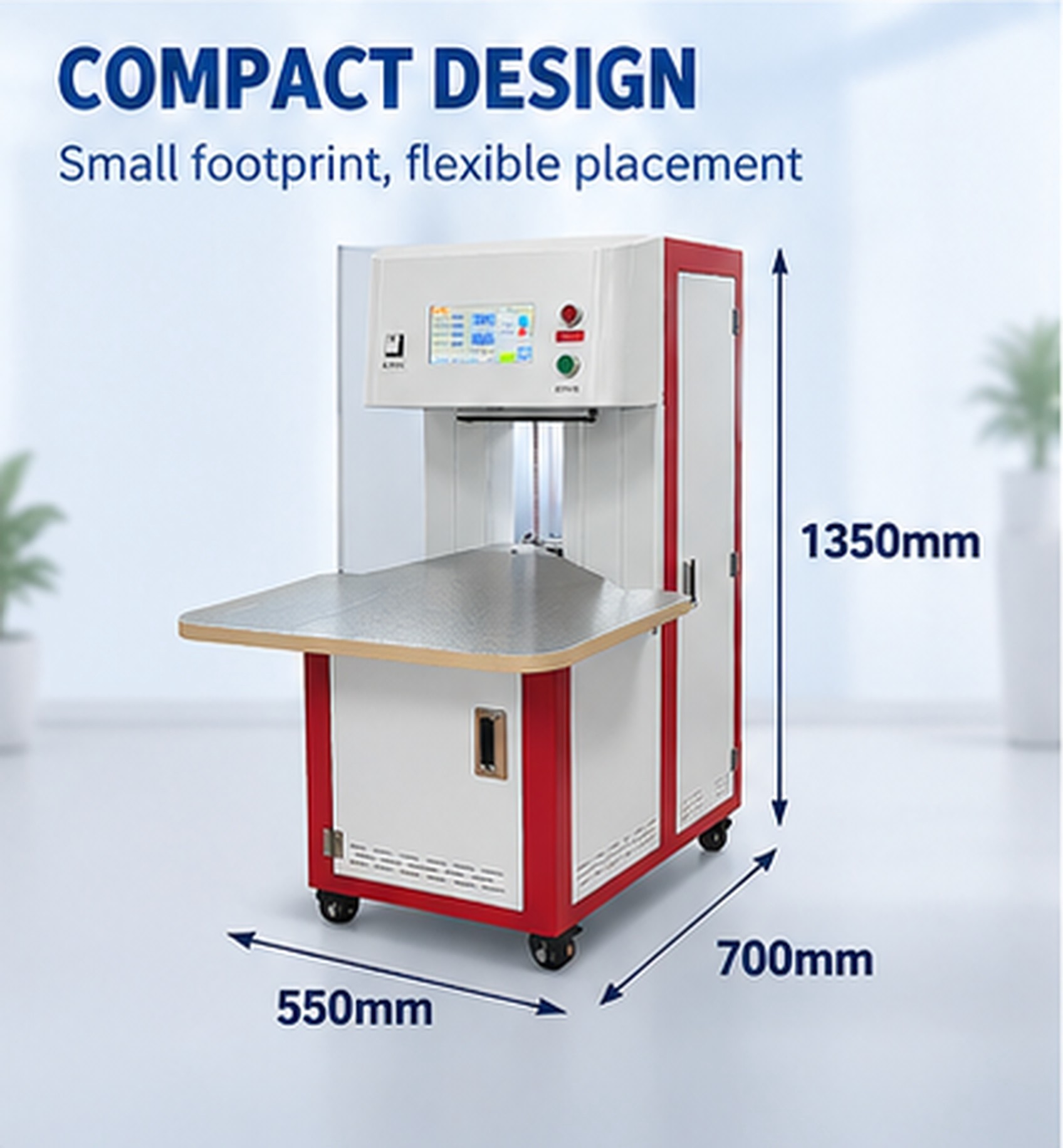
| Working table | 700 × 550 mm |
| Power supply options | 110 / 220 / 380 / 440 V; 50 / 60 Hz — confirm the required configuration and phase before ordering |
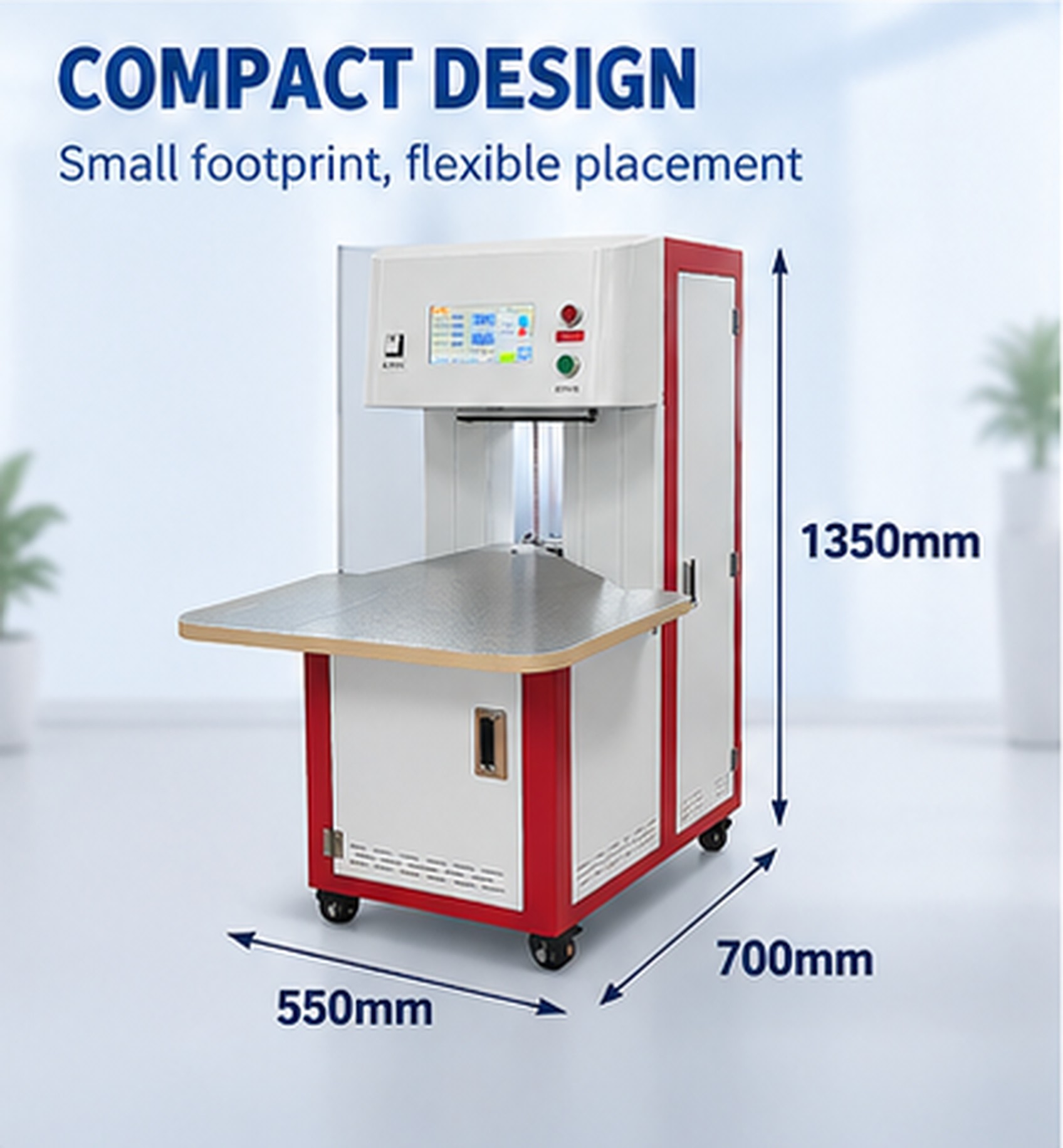
| Machine dimensions | 700 × 550 × 1350 mm |
| Machine weight | Approximately 120 kg |
| Customization | Available subject to application review |
Specifications describe the supplied model. The sheet counting rate is not a guaranteed finished-book or envelope rate. Total working output also includes loading, alignment, result checks and unloading. The listed voltage options refer to order configurations, not automatic switching between every voltage.
The following customer-site photographs show the machine, paper stacks and manual stack positioning. They illustrate the working arrangement; customer identities, production volumes and measured savings are not claimed here.
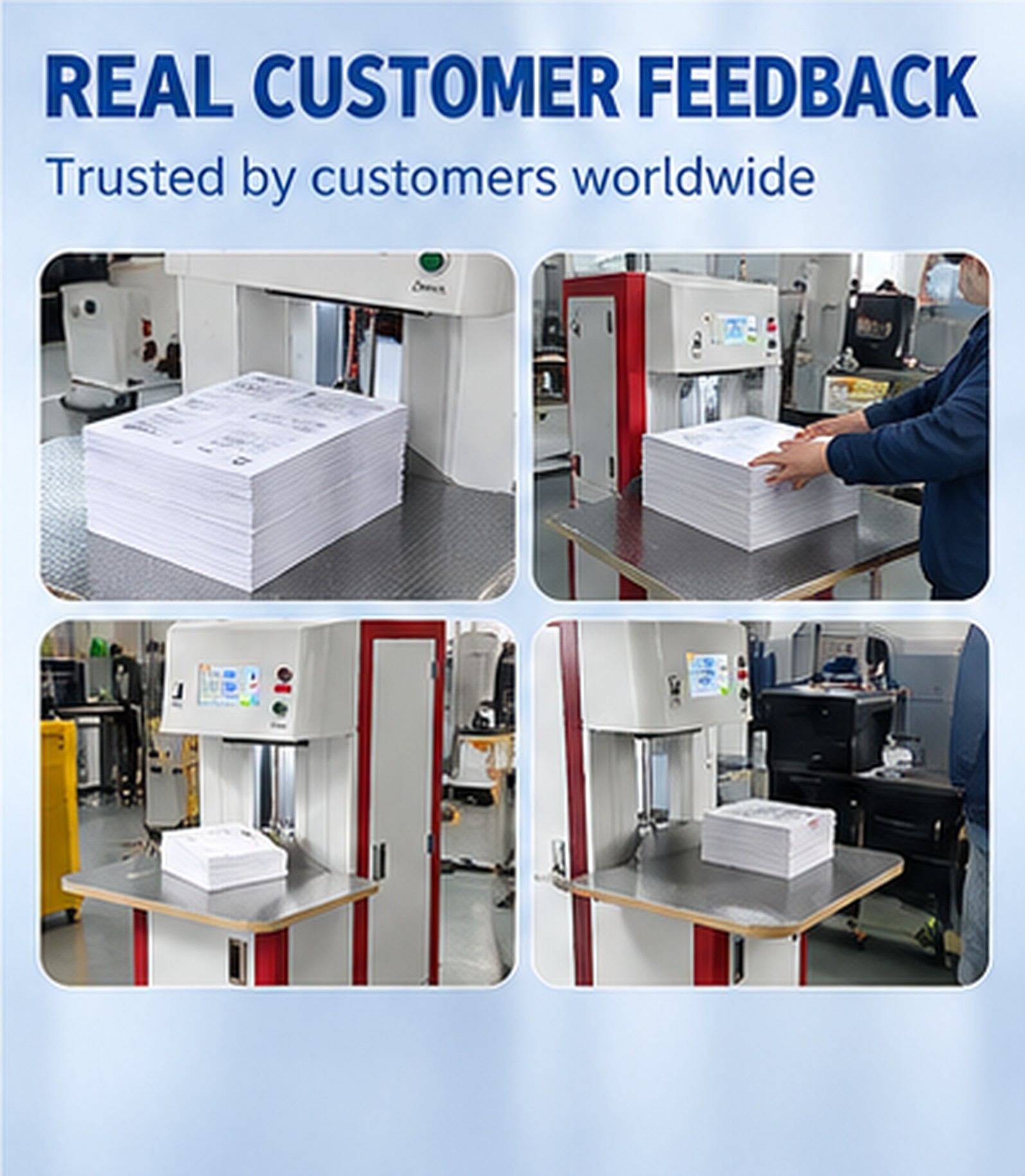
For a sheet counter for print finishing, include the operations before and after counting. For inventory checks with a paper counting machine, explain how the displayed result will be recorded and reconciled. Do not assume a printer, data export or production-line connection is included; describe any integration requirement in the inquiry.
Yes. Whole notebooks, booklets and envelopes are supported applications in addition to loose paper sheets. Provide actual samples and specify the intended counting unit so the material and target output can be assessed.
A4 paper measures 210 × 297 mm and falls within the listed 50 × 50 to 320 × 450 mm paper-size range. Material, stack condition and thickness still need to suit the counting task.
The supplied sheet specification is 300–1000 sheets/min. Select the working setting through a sample trial. Do not use that figure as a guaranteed rate for complete notebooks, thick booklets or filled envelopes.
The touchscreen includes a batch setting. Automatic tab insertion and physical batch separation are not listed features of this configuration. Tell us if your workflow requires either function.
Send the item type, dimensions, thickness or paper weight, stack height, target batch quantity, required output and destination. Add photographs or samples, local voltage/frequency/phase, and any integration or customization requirement.
Tell Keepway what you count and how the result will be used. We can review your material, working quantities and site requirements before defining the configuration.
Define whether one item means a loose sheet, a complete booklet, a notebook or an envelope. Keep each trial result separate and include normal loading and unloading when reviewing practical output.
Read the paper-counter sample test guide
Mobile:+86-18206519878
Tel:+86-18206519878
Whatsapp:8618206519878
Email:sales@kbwmachinery.com
Add:Wanda Plaza, Fuqiao Street, Rencheng District, Jining City, Shandong Province, China